
A Production Eurorack Instrument in 117 Lines of C++
alchemy-sdk · open-source-eurorack · daisy · tutorial
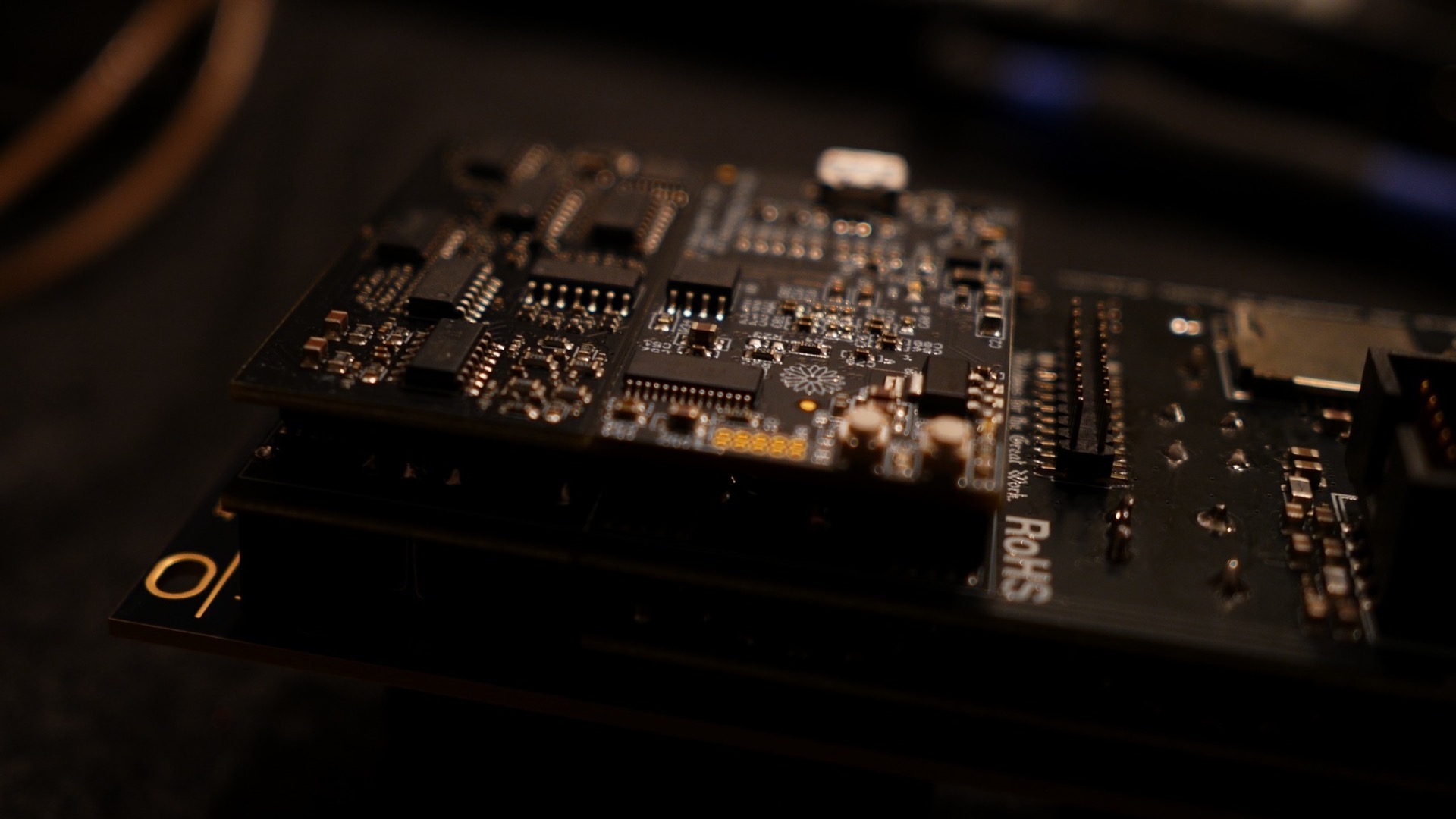
Writing Eurorack firmware usually means writing everything: the ADC scanning, debouncing, the LED driving, the preset format, the way a pot behaves when you switch pages. The DSP is the fun ten percent, and the part that matters for your vision. The other ninety percent is plumbing, carefully considering hardware UX, and fighting DMA buffers.
The whole point of the Alchemy Lab's open source SDK is to make that easier. Bring your DSP, bind it to a callback function, declare your control surface, and you're done. You get a fully fledged, production user interface.
A note on foundations: the SDK builds on Electrosmith's excellent libDaisy, and it uses and extends the patterns the Daisy ecosystem already established rather than inventing new ones. If you have written Daisy firmware before, the APIs here will feel familiar from the first file.
This post walks through stereo_eq.cpp, the recommended starting example in the Alchemy SDK, our MIT-licensed C++ framework for the Alchemy Lab platform. The file is 177 lines long: 117 lines of code once you strip the comments and blank lines. Here is what those lines ship:
- A three-band EQ per channel, with independent left and right channels across two pages of six knobs
- Pot catch on page switches, leveraging the ring LEDs for a good (not frustrating!) layered UX
- Looping knob automation on every pot AKA parameter lock
- CV modulation from the six programmable jacks
- An LED ring animation per pot showing the summed live value
- Presets with flash wear leveling, saved and recalled from the panel
- A settings menu for brightness and preset management
The DSP itself lives in a separate pure file, stereo_eq_dsp.cpp, which is another 126 lines of biquad filters that know nothing about hardware. Those 117 lines are the entire instrument layer, which is precisely the point. The SDK's claim is not that DSP is free; it is that all that other stuff is.
Declaring a Knob
The file opens by declaring its twelve knobs. Here are two of them:
static VirtualKnob l_hi_level = VirtualKnob(0, "Hi Level")
    .Linear(-kGainMaxDb, +kGainMaxDb)
    .Ring(Bipolar(kLeftPalette.hi.level_pos,
                  kLeftPalette.hi.level_neg,
                  kLeftPalette.hi.level_center));

static VirtualKnob l_hi_freq = VirtualKnob(1, "Hi Freq")
    .Exp(1000.f, 16000.f)
    .Ring(Level(kLeftPalette.hi.freq, FillAnim::Pulse));
Each declaration names a physical pot position, a display name, a response curve, and a ring animation. A gain knob is linear from -24 dB to +24 dB and renders as a bipolar fan that fills clockwise for boost and counterclockwise for cut. A frequency knob is exponential from 1 kHz to 16 kHz, and renders as a pulsing level arc. It should already be clear how this declarative structure makes the mental model easy to build.
The interesting part is what you don't have to write. That one declaration makes the knob a preset field, a parameter-lock target, a CV destination, and a named control in the web editor. The name string "Hi Level" also sets the value in the browser: when a module running this firmware connects over USB, the site renders an editor for it from the module's self-description.
Knobs bind to pages in one statement each:
static Page left_page  = Page(0).Knobs(l_hi_level, l_hi_freq,
                                       l_mid_level, l_mid_freq,
                                       l_lo_level, l_lo_freq);
static Page right_page = Page(1).Knobs(r_hi_level, r_hi_freq,
                                       r_mid_level, r_mid_freq,
                                       r_lo_level, r_lo_freq);
Opting Into the Framework
Nothing in the SDK instantiates itself. Every capability is one constructor call:
static AlchemyLab              hw;
static ControlLoop             loop    (hw);
static Pager                   pager   (hw.buttons[0], 2, kNumPots);
static ParamLock<2 * kNumPots> locks   (hw.buttons[0], pager);
static Presets                 presets (hw.seed.qspi);
static Settings                settings(hw, &pager);
static CvMatrix                cv_matrix(kNumCvInputs);
Seven statics insantiate seven capabilities. The ParamLock<12> template parameter is the automation slot count: two pages times six pots, each slot a roughly four-second looping envelope recorded by holding button 1 and nudging a pot. Playback is additive on top of the live pot and CV, so the physical knob is never overwritten and stays playable during automation. That's why they're "virtual knob" objects - physical knobs only get bound to virtual knobs when pages and pot catch align with the "real" knob.
CV Routing
The whole modulation matrix, in main():
cv_matrix.Jack(0).To(l_hi_level);
cv_matrix.Jack(1).To(l_hi_freq);
cv_matrix.Jack(2).To(l_mid_level);
cv_matrix.Jack(3).To(l_mid_freq);
cv_matrix.Jack(4).To(l_lo_level);
cv_matrix.Jack(5).To(l_lo_freq);
The CvMatrix model is deliberately small: each jack has a destination, and that is the entire concept. Setting a destination and changing it are the same call, so this static layout becomes a live, repatchable modulation matrix the moment you call .To() from anywhere else in your code. Attenuation and bipolar scaling hang off the same builder. On Alchemy Lab the jacks themselves are field-programmable, so firmware that wants a CV output instead of an input changes the jack's electrical direction too. I don't want to undersell this feature - it is quite unique.
Flash Presets, somehow not a pain
settings.UseBrightness();
settings.UsePresets(presets);

presets.Manage(pager);
presets.Manage(locks);
presets.Manage(settings);
presets.Init();
presets.BootLoad();
Every framework surface already knows how to serialize itself. Manage() registers each one, and registration order defines the byte layout on flash. Saves are wear-leveled across paired flash sectors, so an interrupted write always leaves the previous copy valid, and each slot is stamped with a schema hash built from every managed component. If a future version of your firmware changes the preset shape, old slots read as empty instead of loading misaligned bytes into a running instrument.
Honestly, working with flash like this is typically a pain. The SDK takes all that work away, simplifying the serialization but also conforming to a standard that works with the Hermetic Modular web programmer and preset manager.
The Audio Callback
UpdateCoeffs();
hw.StartAudio(eq_dsp::Process);
eq_dsp::Process is a plain block callback: 24-sample blocks at 48 kHz, floats in, floats out, which works out to a control rate of two kilohertz. The SDK wraps the callback in a shim that feeds trigger detection before your code runs and fills any jack you have claimed as a CV output after it returns, and the framework's own documentation states the contract plainly: the user callback runs as written. The UpdateCoeffs function reads each knob's Value(), which is already the sum of pot position, CV, and any recorded automation, and pushes filter coefficients once per frame. Think of it as the bridge, the binder that moves values from the virtual control surface and pushes them to the DSP.
Note: You can bump the sample rate higher, to the Daisy maximum!
The Main Loop
loop.Use(pager)
    .Use(locks)
    .Use(settings)
    .Use(cv_matrix)
    .Use(left_page)
    .Use(right_page)
    .OnFrame(UpdateCoeffs);

for (;;) loop.Tick();
ControlLoop runs the canonical control-rate frame: a one-millisecond inner poll for controls, CV edges, and button gestures, then a snapshot of physical pots, then settings and automation advancement, then per-frame updates, then LED rendering, at roughly sixty frames per second. The sequencing is for safety. Gesture arbitration between the page button, the lock-record hold, and the settings chord has ordering requirements that are easy to get wrong by hand, and the loop guarantees them regardless of the order you attach surfaces. The header documents every step, and the comment in the example says what the design intends: it is a thin, opt-in driver, and you can unroll and modify it.
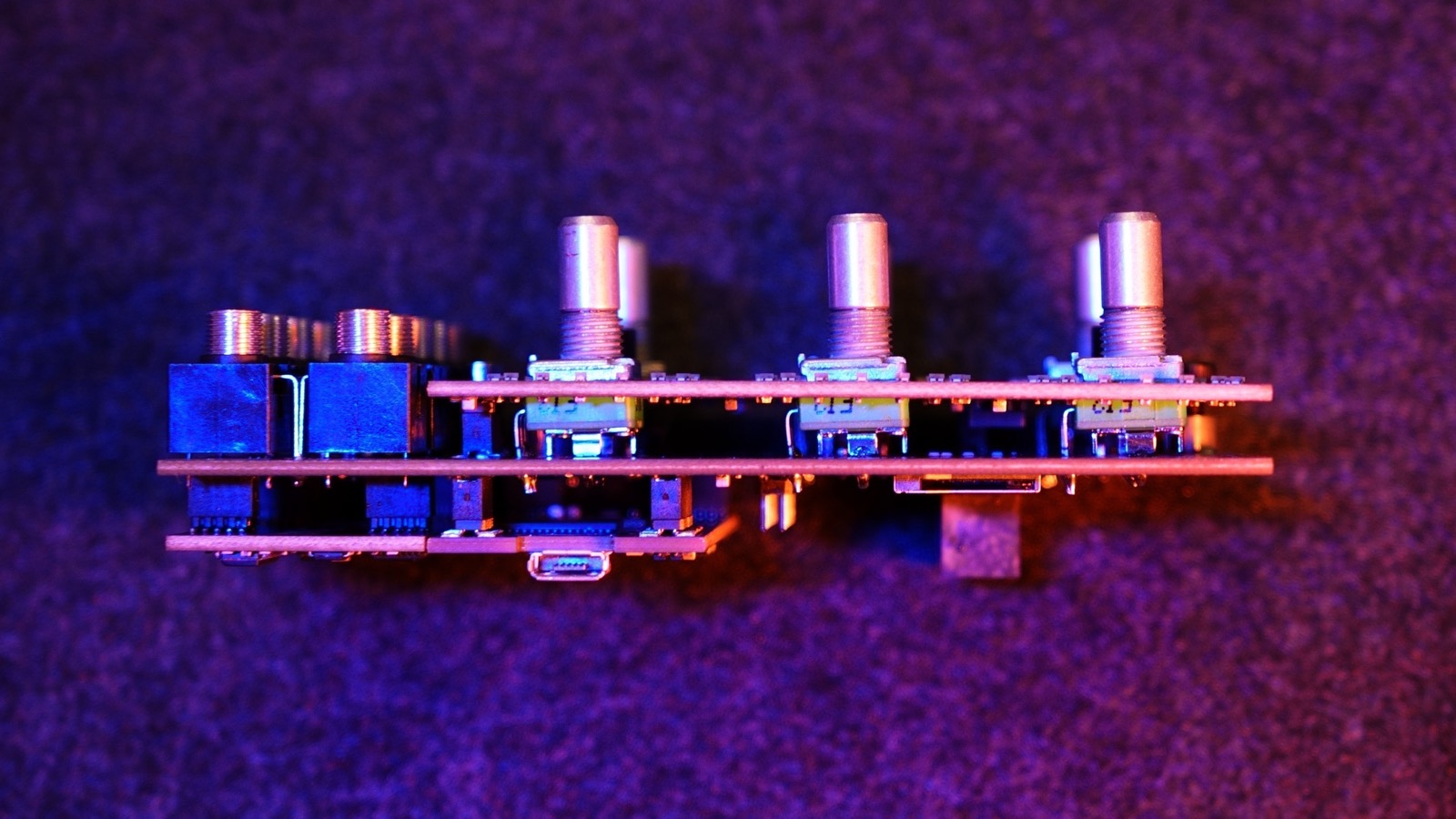
That is the whole file. Twelve knob declarations, two pages, seven statics, six routing lines, five preset calls, one audio start, one loop. The main() function is under forty lines.
Build It Before the Hardware Arrives
The SDK's algorithm layer builds natively on your laptop, with no ARM toolchain installed, against a set of libDaisy stubs. Three commands:
cmake --preset host
cmake --build --preset host
ctest --preset host
Test project .../alchemy-sdk/build-host
    Start 1: ring_frame
1/2 Test #1: ring_frame .......................   Passed    0.09 sec
    Start 2: hostlink
2/2 Test #2: hostlink .........................   Passed    1.12 sec

100% tests passed, 0 tests failed out of 2
Those suites are not smoke tests. The ring test renders LED animations into a synthetic capture strip and asserts exact RGB values per LED; the hostlink suite runs the full USB protocol, including a FAT filesystem, against a RAM disk. You can develop and test the logic of an instrument before you own the module. This at least prevents some trips back and forth to hardware.
When you do have hardware, the ARM side is one preset (cmake --preset arm) plus a per-target flash command (cmake --build --preset arm --target stereo_eq-flash) that uses standard DFU over USB. Or skip the toolchain entirely and drag a built binary into the browser flasher.
From 117 Lines to a Shipping Instrument
It is fair to ask what separates this example from a commercial release. Frankly, this could be a commercial release. But, for typical Hermetic Modular production firmwares, the UX is extended quite a bit. Echoa is about 2,500 lines against the same SDK, and Spagyros about 2,100. The additional weight is usually things like mapping buttons, custom rendering, and other unique features: Echoa adds its delay engines, tap tempo, freeze gestures, and a hand-tuned descriptor for the web editor; Spagyros adds its effect chain host sub-page cycling and an SD card recorder.
If you have DSP sitting in a VCV Rack prototype, a research notebook, or a pile of Faust, the distance from there to a physical instrument with presets, automation, CV, and an expressive RGB panel is shorter than it has ever been. Start at the developer page, clone the repo, and see what you think.
And join us on Discord and get hacking!